Modern AIM & ICQ
Server setup
retro-aim-server - Installation instructions
- Set up DNS
- Configure
settings.env- Set
API_HOSTandOSCAR_HOSTto hostname
- Set
- Open TCP ports 5190-5197 in firewall
Creating systemd service
As root:
$ vim /etc/systemd/system/retro_aim_server.service # contents below!
$ systemctl daemon-reload
$ systemctl enable retro_aim_server.service
$ systemctl start retro_aim_server.service

# Verify it's running
$ systemctl status retro_aim_server.service

# Logs (-f to follow)
$ journalctl -u retro_aim_server.service
Contents of /etc/systemd/system/retro_aim_server.service:
[Unit]
Description=Retro AIM Server
After=network.target

[Service]
ExecStart=/root/retro_aim_server/retro_aim_server
WorkingDirectory=/root/retro_aim_server
Restart=always
User=root

[Install]
WantedBy=multi-user.target
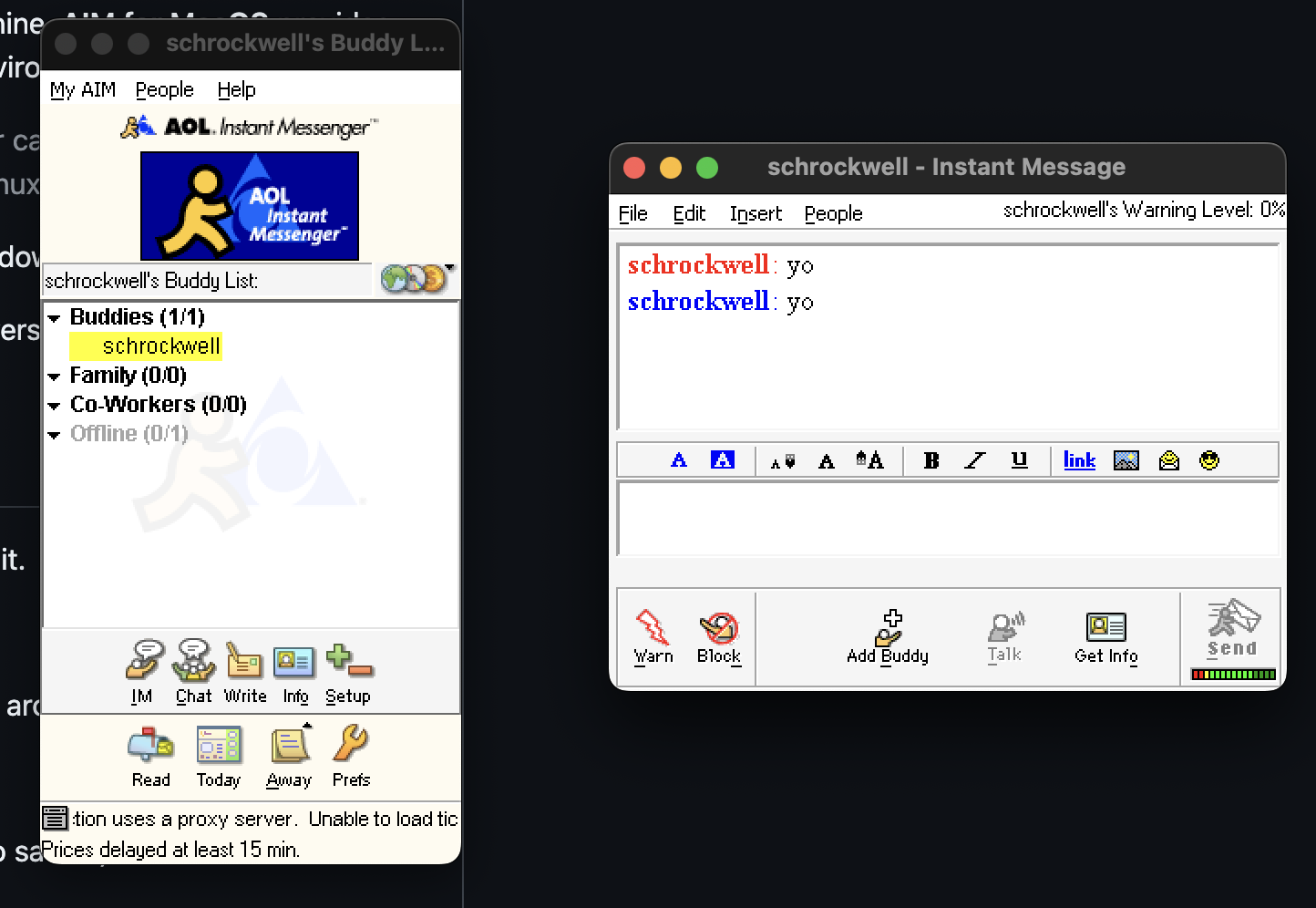
AIM client
AIM client for macOS - version 5.9 is the latest and greatest
ICQ client
ICQ client for macOS - version 2000b supported
CrossOver works great, following those directions (unsurprising - it is Wine under the hood, after all)